Listed in: Securing your business
Cybersecurity essentials for small businesses
With the right preparation and education, protecting your small business from scams and cyber threats doesn’t have to be a scary prospect.
3 minute read
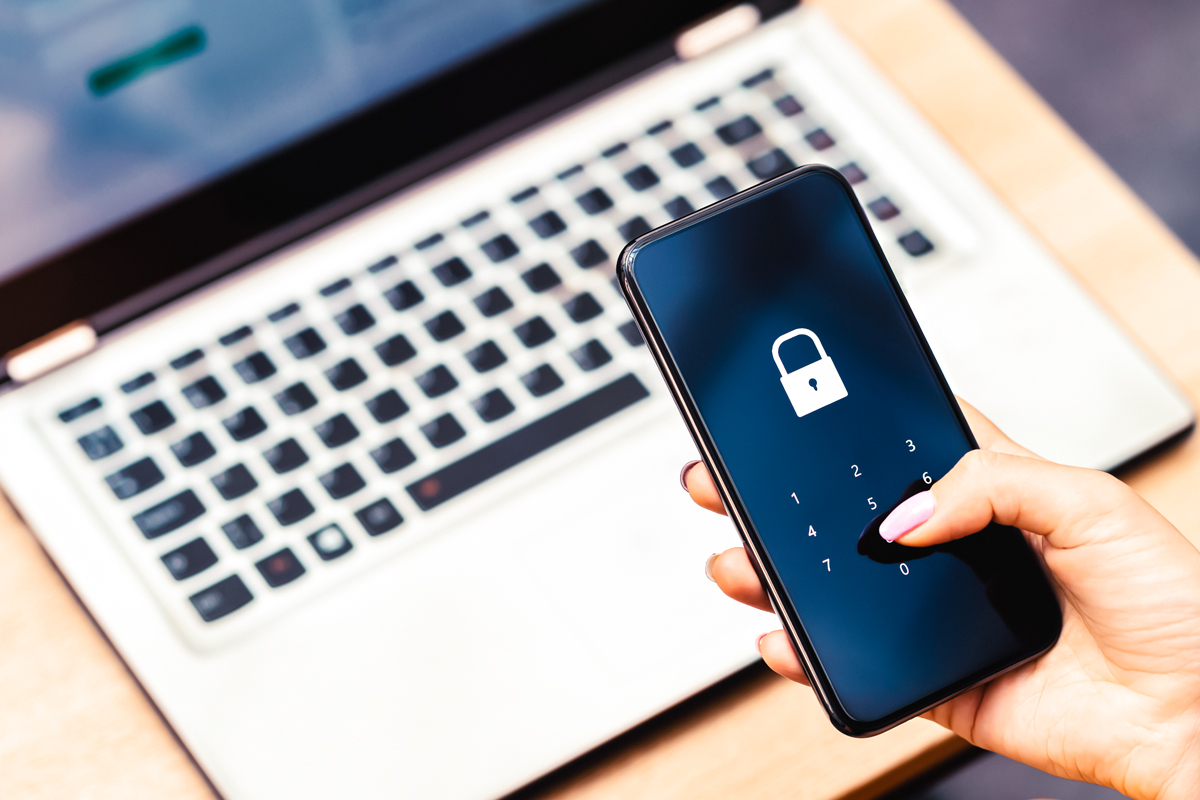
Most New Zealanders don't imagine themselves in a cyber-attack or a cyber event, even though nine out of ten will be the targets of scams.
Government cyber security agency, CERT NZ, says less than half of New Zealand's small businesses have processes in place to prevent a cyber-attack, despite research from BNZ showing businesses are twice as likely to fall victim1.
Your business data is as important as your physical assets, and can be more vulnerable. While insurance may cover the cost of replacing buildings, inventory, and equipment, your business data is not easily replaceable.
Having strong security controls in place can help protect sensitive information that is critical to running a business. Some of these options can be a lot more cost effective than you might think – a large percentage of incidents reported to CERT NZ could have been prevented with a long and strong password, and the use of two-factor authentication.
Depending on your business, you may also have access to a substantial amount of customer information that could leave customers vulnerable if your business was the victim of a cyber-attack. This may include personal customer data like their payment details or name, phone number, and address. Of course, this is all on top your own important business records which could be lost, such as contracts and legal documents, financial information, product inventories, taxation records, business strategies, and market intelligence. These are all valuable and necessary things for running your business.
Losing your data could cost your business in lost revenue and damaged reputation, and can seriously disrupt operations, perhaps for days or weeks, or even permanently. There may also be steps you need to take under the Privacy Act 2020 if there has been a breach – you can find out more here.
All businesses have a responsibility to protect their customers, and that includes looking after their data.
Best practice to keep your business safe online
Strong passwords
Use strong, long, and unique passwords. Avoid using the same password for multiple accounts. A passphrase of four or more words is stronger than a password using a mix of characters, symbols, and numbers, and is easier to remember.
Multi-factor authentication
Use multi-factor authentication whenever it is available. This means that even if a criminal does obtain your password, they still have to get past at least one more barrier to access your information.
Back up your data
Back up your data regularly to an offsite location, whether that’s on a physical hard drive, or a separate and secure cloud storage solution.
Be wary of links
Treat every email or text link with suspicion – even links that appear to be from trusted sources such as friends, your bank, or a government agency. If you’re at a computer, and hover your cursor over the link without clicking on it, you should be able to see the actual URL of the link. Never log in to your bank via a link that was sent to you. If anything looks a little off or it’s from an unfamiliar address, don’t click on the link until you can verify its legitimacy.
Regularly update your devices
Update your computer’s operating system, programmes, and mobile apps regularly, and where possible, automate the updates. Anti-virus software is a useful tool to help protect your devices from cyber-attacks. Check if your operating system comes with anti-virus and malware protection, or speak to a trusted IT provider.
Keeping your system up to date means the software is protecting you from any new vulnerabilities that have been discovered. It’s an easy way to make the software do the work so you don’t have to. Set up automatic updates to ensure that the software has the most up-to-date information.
Common threats
The most common types of scams in New Zealand are phishing and smishing. These are emails or texts with links, often pretending to be a bank or government agency.
The goal of these messages is to trick you into opening a link, and providing personal or financial information to the scammer. They can then hack into your accounts or take money from your bank account or credit card.
Ransomware and malware usually arrive as attachments in emails. These are malicious softwares that could infect your device with viruses, worms, spyware, or more.
Assess your business risk
Understanding the risks to your small business and your customers is the first step in preventing a cyber-attack.
Just like locking your doors each night, make cyber security a daily priority and practice. You can create a cybersecurity plan and make sure all staff are on board.
Perform regular checks and audits of your online “footprint” so you can prioritise your risks, and create a plan for when things go wrong.
Take the time to educate yourself, your employees, and your customers about the ways your business could be attacked, and the simple steps you can take to protect yourselves and the business.
Related articles
Four ways small businesses can avoid scams
Scams can jeopardise the financial stability of small businesses and take a toll on the wellbeing of owners and staff. But some small businesses, like motel operator Teresa, have found a way to fight back.
How an unusually large order can be a cover for a scam
While it’s not always obvious that a scam is underway, a useful rule of thumb is if a deal seems too good to be true, it probably is.
Protect your business from phishing and ransomware
Kiwi businesses are targeted by cyber scammers every day. Phishing emails, as well as ransomware, can steal tens of thousands of dollars with little effort. Here’s how to stay safe.
Step up your online security
Protect your business
1 According to BNZ research conducted with Camorra Research Ltd in July 2023 - SME research, sample size of n=602 (business)
References to third party websites are provided for your convenience only. BNZ accepts no responsibility for the availability or content of such websites.
This article is solely for information purposes and is not intended to be advice with respect to any matter discussed in it. If you need help, please contact BNZ or your professional adviser. Neither BNZ nor any person involved in the material accepts any liability for any direct or indirect loss or damage arising out of the use of, or reliance on, all or any part of the content. References to third party websites are provided for your convenience only. BNZ accepts no responsibility for the availability or content of such websites.